Hiring, from job ad to staff list
Write the job ad in Misenta, share its job page or print the poster, and read applications in one private list. When you hire, the person goes into your staff list, with the right-to-work check and induction still to do in view.
On Pro and Operations, and in the free trial.
Start your free trial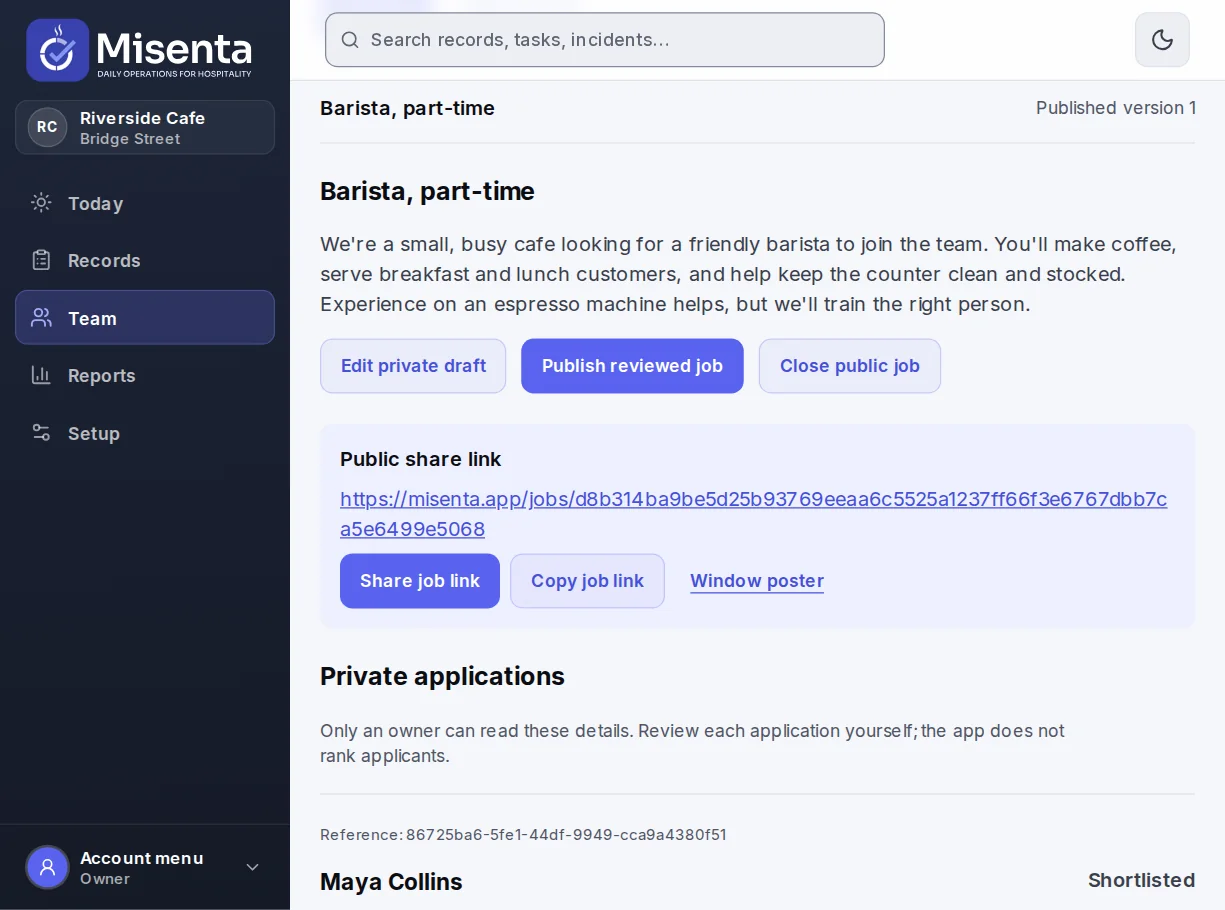
What it does
- A job page you can share
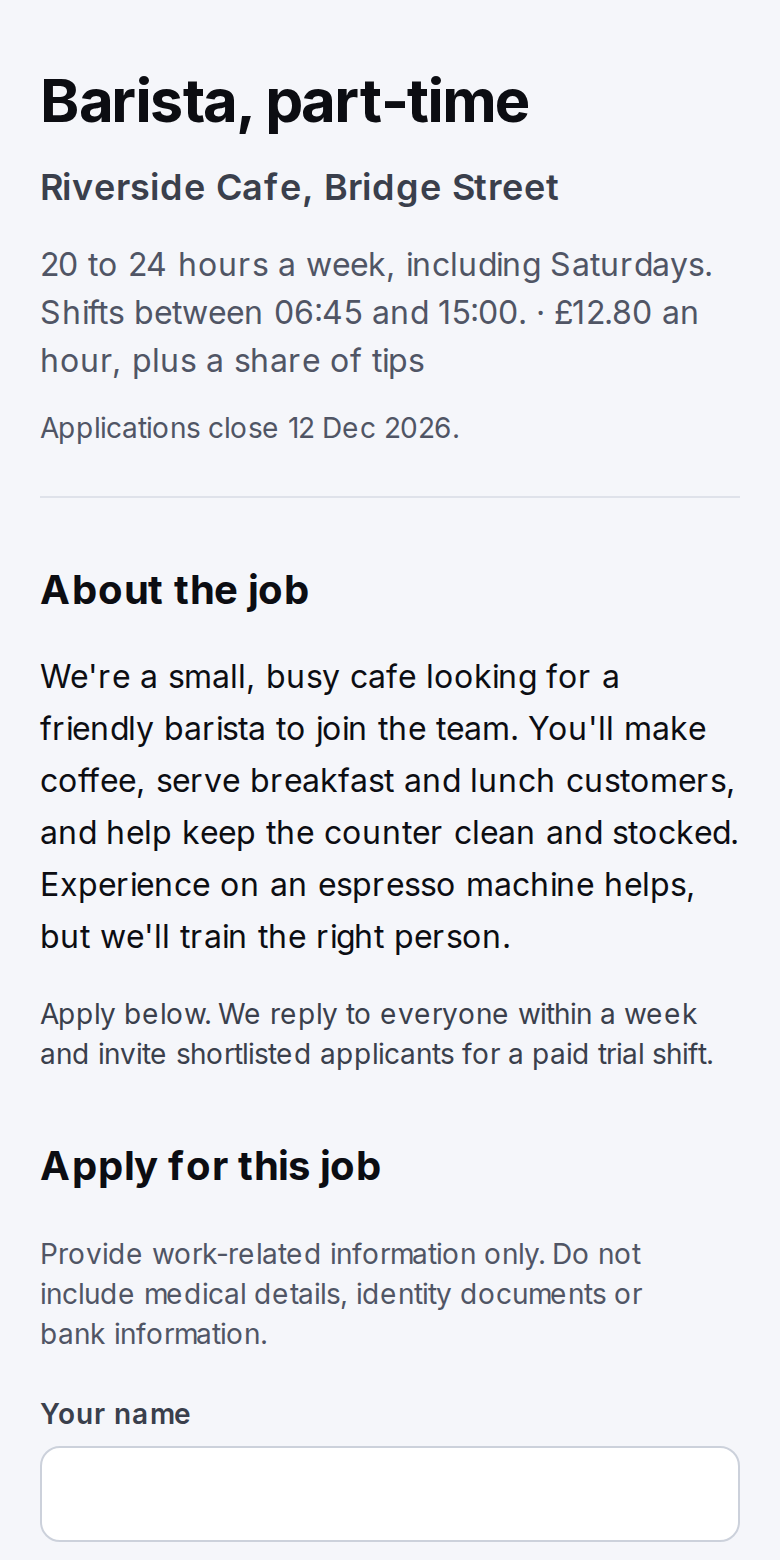
- Publish the ad and get a link to its job page. Share it anywhere, or print a poster with a QR code that opens the page.
- Applications in one private place
- Applicants send their name, email, phone number and a short statement, with a check against bots. Only the owner sees them.
- Shortlist and decide
- Shortlist applicants and record the hiring decision. Hiring adds the person to your staff list without sending them an invitation.
- You set how long applications are kept
- Choose a retention period of 7 to 365 days for each ad. After it, applicant details are hidden; you can erase them sooner, or hold them if you need to.
- Forms in five languages
- The application form comes in English, French, German, Spanish and Dutch.
How it works
Write the ad
Describe the role, choose how long applications are kept and publish the ad.
Share it
Send the job page link, post it where you advertise or put the poster up in the venue.
Hire
Review applications, shortlist, and record the hire into your staff list.
The owner manages recruitment, on the web and in the phone app. The job page stops taking applications if the plan lapses. See documents and training